01
Examine Hidden Fee Structures
Uncover the true cost of processing by auditing your statements for multi-tiered rates, unexpected batch settlement fees, statement charges, and costly software add-ons.
Virsa Labs Marketing »Payment Systems for Lehigh Valley Businesses

Local SEO Services
SEO in Lehigh Valley
Local SEO in Lehigh Valley
Website Development
CRM Automation
Case Studies
Client Testimonials
Book a Strategy Review
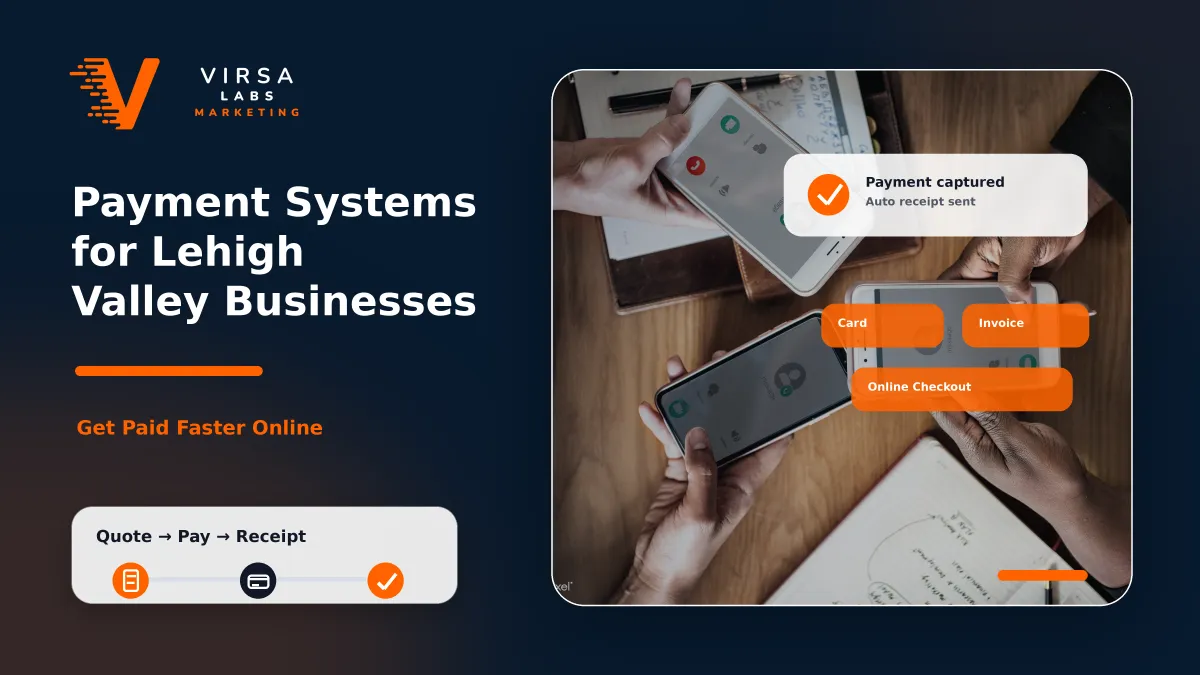
A payment system should do more than process cards. For Lehigh Valley businesses, the right setup can help capture customer data, reduce friction at checkout, improve follow-up, support rebooking, and give owners better visibility into revenue. Whether you run a dental office, auto detailing shop, contractor business, med spa, or home service company, your payment process is part of your customer experience and backend growth system.
Key Takeways
A strong payment system should connect transactions, customer data, follow-up, reviews, and reporting.
Many local businesses lose repeat revenue because their payment processor is disconnected from their CRM or marketing system.
The best setup depends on how you collect payments: in-store, online, over the phone, in the field, or through invoices.
Payment optimization is not just about fees; it is about building a cleaner backend that supports retention and better business decisions.
A modern payment system should fit the way your business actually operates. A storefront business may need a terminal and POS. A mobile service business may need field payment options. A contractor may need invoices, deposits, and financing-friendly workflows. A medical or dental practice may need a setup that works smoothly alongside scheduling, patient communication, and internal office processes.
The payment tool itself is only one part of the system. The more important question is what happens after payment. Does the customer record get saved? Does your team know what service they purchased? Does the system trigger a review request? Does it help bring the customer back? Does reporting show which services are producing revenue?
A better payment setup usually includes clear checkout flow, reliable hardware, clean payment links or invoices, customer data capture, automated follow-up, review request workflows, and reporting. For many businesses, the biggest improvement is simply connecting the payment event to the rest of the customer journey.
| Payment System Element | Why It Matters | Example Use Case |
|---|---|---|
| Terminal or POS setup | Makes checkout faster and more professional. | A retail or service counter taking card payments. |
| Payment links and invoices | Makes remote collection easier. | A contractor collecting deposits or final balances. |
| Customer data capture | Saves useful customer details for future follow-up. | A detailing shop tagging customers by service type. |
| CRM integration | Connects payment activity to automation. | A follow-up text after a completed job. |
| Review request workflow | Turns completed transactions into reputation growth. | A customer receives a review request after paying. |
| Reporting dashboard | Helps owners see revenue and customer trends. | Tracking services, repeat buyers, and payment volume. |
The best system is not always the one with the most features. It is the one your team can use consistently without creating extra work.
A transaction should be the start of your next business opportunity, not just the end of a sale. Auditing your merchant systems reveals how small operational leaks in fee structures and data capture can stall your long-term revenue growth.
Uncover the true cost of processing by auditing your statements for multi-tiered rates, unexpected batch settlement fees, statement charges, and costly software add-ons.
Analyze how interchange rates fluctuate depending on the specific credit card networks, rewards programs, or corporate profiles your local clientele utilizes most frequently.
Evaluate your upfront or ongoing equipment leasing fees for physical counters, mobile card readers, or virtual payment hubs to ensure your overhead stays lean.
Streamline your internal operational configuration instead of switching providers. Often, matching settings to your exact business type lowers unexpected surcharges.
Enforce the collection of customer names, precise phone numbers, and active emails at checkout so you never drop an entry that could lead to repeat business.
Log visit details and completed job descriptions into every profile. Knowing exactly what a customer bought allows your team to understand local behavior trends.
Set up system workflows to distribute automatic follow-up messages or receipts instantly upon purchase while your brand is top-of-mind for the client.
Capitalize on high-satisfaction moments right after a successful transaction by launching automated invitations that build your regional online reputation.
At Virsa Labs Marketing, we bridge your backend payments with website forms, SEO tracking, and CRM sequences to turn basic transactions into predictable customer lifecycles.
We build efficient physical counter setups and local tablet terminals tailored perfectly for walk-in business traffic and upfront patient checkouts.
We deploy secure online deposit workflows to protect your business schedule, cutting down calendar no-shows for high-end medical spas and modern dental practices.
We integrate functional text-to-pay links and digital invoices so field technicians can collect final balances instantly right from the project site.
We structure intake settings to capture essential details like customer names, emails, and phone numbers directly during transactional checkout processes.
We classify customer accounts by specific service categories, company branch locations, original marketing campaign channels, or active sales representatives.
We configure system automations to distribute digital receipts, warranty documents, and personalized thank-you texts right after payment settles.
We launch hands-free feedback and online review requests the moment transactions clear, building your business visibility in local map searches.
We organize clear data dashboards to monitor exact merchant volumes, repeat customer activities, local service performance, and primary revenue sources.
We connect payment data back to your local SEO, active ad accounts, and CRM systems, aligning the entire customer journey through the Virsa Labs infrastructure.
The cleaner your internal operational records are, the faster we can identify hidden leaks, map client journeys, and unify your processing backend with active automated marketing tools.
Gather your merchant processing statements from the last three months to help break down variable interchange fees, monthly cross-border costs, and extra software add-ons.
Inventory your active physical infrastructure, including front-desk countertop registers, standalone store tablets, or mobile card readers deployed out in the field.
Secure full administrator login credentials for your active payment gateway, merchant accounts, and point-of-sale software so backend structural settings can be reviewed.
Provide copies of existing client intake files, booking screens, and digital checkout pages to check exactly how customer fields are currently collected.
List your company’s highest-performing service categories or treatment tiers so we can map out specific data tags into your client profiles.
Outline any existing software pipelines connecting your sales logs to billing tools, email marketing lists, or localized dispatch programs.
If your business is already processing payments but not capturing customer data, tracking customer activity, or triggering follow-up, your backend may be limiting growth.
Virsa Labs Marketing can review your current setup and help build a cleaner payment workflow that connects with your CRM, reviews, reporting, and customer follow-up.
Contact Virsa Labs Marketing to discuss a payment system setup for your Lehigh Valley business.
Not always. Sometimes the best option is to improve the current setup, connect it to better systems, or clean up the workflow. If your current processor is limiting your operations or creating unnecessary costs, then switching may be worth reviewing.
In some cases, yes, but it depends on your current provider, transaction volume, payment types, and fee structure. The goal is to understand the full cost of processing and find a setup that makes sense for the business. We do not recommend changes based only on the lowest advertised rate.
Yes. Mobile businesses often benefit from payment links, mobile terminals, invoice workflows, and automated follow-up. This can be useful for contractors, pressure washing companies, detailing businesses, moving companies, and other field-based services.
Yes. When payments are connected to a CRM or automation system, a completed transaction can trigger a review request, thank-you message, rebooking reminder, or follow-up sequence. This helps the business stay connected without relying on manual reminders.
A payment processor only handles the transaction. A payment system connects the transaction to customer data, follow-up, reviews, reporting, and retention. The difference is whether payments are isolated or part of a larger business growth system.