Match the Lead's Intent
The first follow-up message must align with what the user requested. Someone asking for a basic estimate should get a completely different response than someone downloading an educational guide or asking a quick question.
Virsa Labs Marketing »CRM Automation for Local Businesses in Lehigh Valley

Local SEO Services
SEO in Lehigh Valley
Local SEO in Lehigh Valley
Website Development
CRM Automation
Case Studies
Client Testimonials
Book a Strategy Review
CRM automation helps local businesses respond faster, follow up consistently, book more efficiently, and keep leads from getting lost. For Lehigh Valley contractors, dentists, auto detailers, medical practices, and home service companies, the biggest CRM win is not having “more software.” It is building a simple system that captures every lead, assigns it to the right place, sends timely reminders, and shows what is actually working.
Key Takeways
CRM automation should fix real operational gaps like missed calls, slow follow-up, poor tracking, and inconsistent appointment reminders.
The best systems start with lead capture and response speed before moving into advanced nurture campaigns.
Automation should support your team’s sales process, not replace human follow-up where trust matters.
Reporting is only useful when it connects marketing activity to booked appointments, closed jobs, and repeat customers.
The first priority is simple: every lead should enter the CRM automatically. Website forms, paid ad leads, chat submissions, phone calls, and booking requests should not live in separate places. When lead sources are scattered, tracking gets messy and follow-up becomes inconsistent.
A strong CRM setup captures the contact details, lead source, requested service, location, and urgency. For example, a pressure washing company may want to tag leads by “house wash,” “roof wash,” “commercial,” or “deck cleaning.” A dental office may want to separate new patient requests from emergency appointments or cosmetic consultation inquiries.
Once the lead enters the CRM, the first response should happen quickly. That may be an automated text confirming the request, an email with next steps, or an internal notification to the right team member. This matters because local customers often contact multiple businesses at once. The company that responds clearly and professionally usually has the advantage.
Scheduling is the next layer. Manual scheduling creates back-and-forth, especially for consultations, estimates, and recurring services. A CRM-connected booking system can send confirmations, reminders, rescheduling links, and missed appointment follow-ups. This keeps the customer informed while reducing admin work for the business.
The website also matters here. If your forms are unclear or your calls-to-action are weak, your CRM will only receive low-quality information. A better website development setup can improve the quality of lead capture before automation even begins.
| CRM Area | What It Should Do | Practical Example |
|---|---|---|
| Lead Capture | Pull every inquiry into one system automatically. | Website forms, call tracking, Facebook leads, and Google Ads leads all enter the CRM. |
| Lead Routing | Send the lead to the right person or pipeline immediately. | Roofing repair leads go to urgent follow-up; replacement estimates go to sales. |
| Scheduling | Reduce back-and-forth communication for appointments. | Consultation reminders go out automatically by text and email to reduce no-shows. |
| Follow-up | Keep warm leads from going cold through automated touchpoints. | Quote follow-up sent 1 day, 3 days, and 7 days after the initial estimate. |
| Reporting | Show clear data on what is producing actual business results. | Track which campaigns generate booked appointments, not just clicks or impressions. |
Follow-up automation is where many businesses either win or create a bad experience. The difference is relevance. A good workflow feels helpful, while a bad workflow feels like spam. Use this framework to map out automated campaigns that turn real leads into booked appointments.
The first follow-up message must align with what the user requested. Someone asking for a basic estimate should get a completely different response than someone downloading an educational guide or asking a quick question.
Avoid blanket communications. A homeowner looking for a fast residential roof repair should never be placed into the same messaging sequence as a commercial property manager planning a large-scale future project.
For home and field service brands, configure automated quote reminders, estimate check-ins, abandoned booking text alerts, review generation requests, and win-back/reactivation campaigns.
For healthcare environments, build out automated appointment confirmations, missing intake form reminders, post-visit wellness check-ins, and recurring hygiene or recall communications.
Too many messages too quickly breaks trust, but too few lets hot leads disappear. A reliable baseline sequence utilizes an instant confirmation, a next-day check-in, and a final reminder several days later.
Past customers are far easier to re-engage than cold traffic. Program your CRM to automatically distribute seasonal maintenance reminders, recurring service milestones, or periodic check-ups.
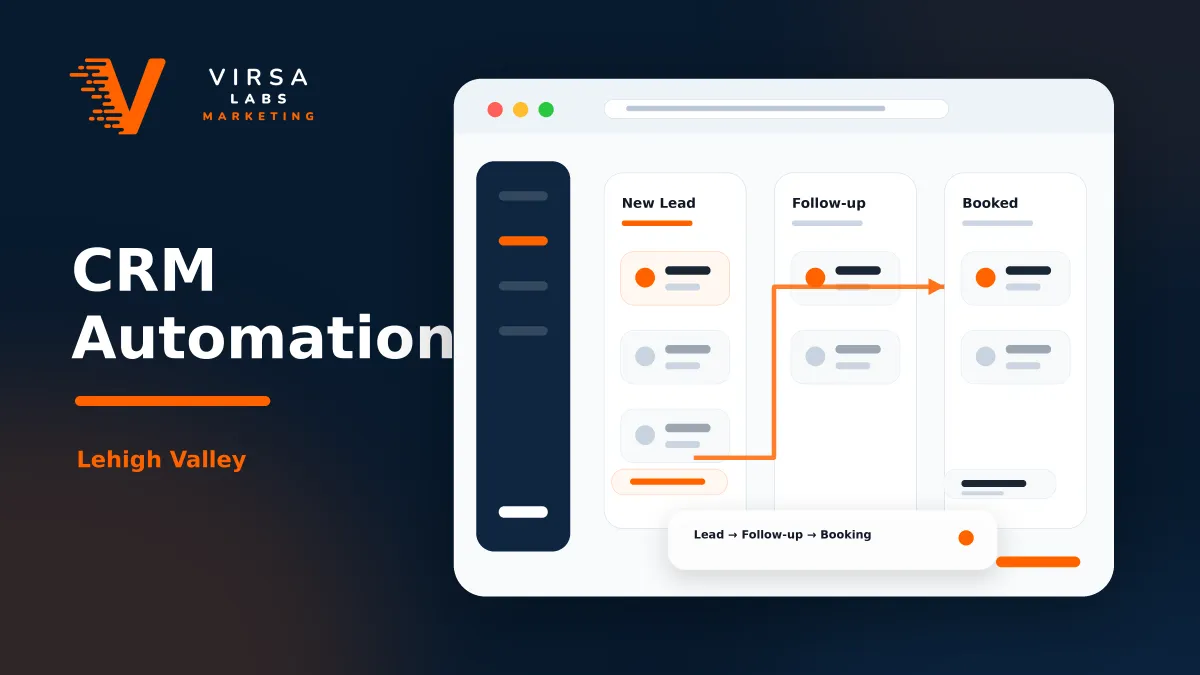
The best CRM is not always the most advanced one—it is the one your team will actually use. If the system is over-engineered, adoption fails and reports become unreliable. Use this step-by-step approach to map out a clear, high-utility pipeline.
Every inbound inquiry from website forms, tracking phone numbers, and local digital ad campaigns lands instantly in your centralized inbox.
The lead is actively engaged by your staff. Outreach is initiated via phone call, text, or customized email to discover their exact project needs.
The initial conversation converts into a hard calendar event. The discovery call, consultation, or site visit is locked in and scheduled.
Your team delivers a tailored project price quote or scope of work. This signals the start of your strategic automated follow-up milestones.
The deal is officially closed. The contract is signed, the deposit is processed, and the project transitions smoothly over to operations.
The prospect explicitly passes on the offer or goes with a competitor. Archiving these helps establish accurate, clean conversion metrics.
The lead isn't ready to buy today but remains a great future opportunity. They move into a slower, low-frequency educational nurture track.
Before adding tags, custom fields, or new automations, ask: What problem does this solve? Who owns it? How will we know it actually worked?
A good CRM system should feel like an operating tool, not another task. It helps your team respond faster, stay organized, and make better growth decisions. Ready to build your platform? Explore our CRM Onboarding Sequence to get started.
If your CRM feels messy, your follow-up is inconsistent, or you are not sure which marketing channels are creating real opportunities, Virsa Labs Marketing can help you simplify the system.
We build practical CRM, lead tracking, and automation workflows for local businesses that need clearer follow-up and better visibility into their pipeline.
Contact Virsa Labs Marketing to talk about a cleaner CRM automation setup for your business.
CRM automation uses software to handle repetitive sales and customer communication tasks, such as lead capture, follow-up reminders, appointment confirmations, and review requests. For a local business, the main goal is to make sure leads are contacted quickly and tracked properly.
Start with lead capture and first response. If new inquiries are not entering the CRM correctly, advanced workflows will not help much. Once lead capture is clean, add reminders, routing, scheduling, and follow-up sequences.
Yes. Missed-call text-back is one of the most useful automations for service businesses. When someone calls and your team cannot answer, the system can automatically send a text asking how you can help or offering a booking link.
Yes, especially if the business gets leads from multiple sources like Google, website forms, paid ads, referrals, and social media. Even a small team can benefit from having one place to track leads, follow-ups, appointments, and outcomes.
No. CRM automation should support your sales process, not replace real conversations. It handles the repetitive steps so your team can spend more time on quotes, consultations, customer service, and closing work.